EN·
Create and manage a lease agreement online
Stop keeping leases as Word files. In Nineflat the agreement is a live record that drives rent billing, reminders, and tax exports. A step-by-step guide for landlords.
A lease is the backbone of a tenancy, but most landlords still keep it as a Word file on a laptop and a signed PDF in an inbox. The moment you need the rent amount, the start date, or the deposit, you're hunting. In Nineflat the agreement is a live record that drives everything else — billing, reminders, and tax exports all read from it.
Create the agreement in one flow Go to Agreements → New agreement. Pick the property, choose the tenant (or invite a new one), and set the terms: rent, frequency, start and end dates, and deposit.
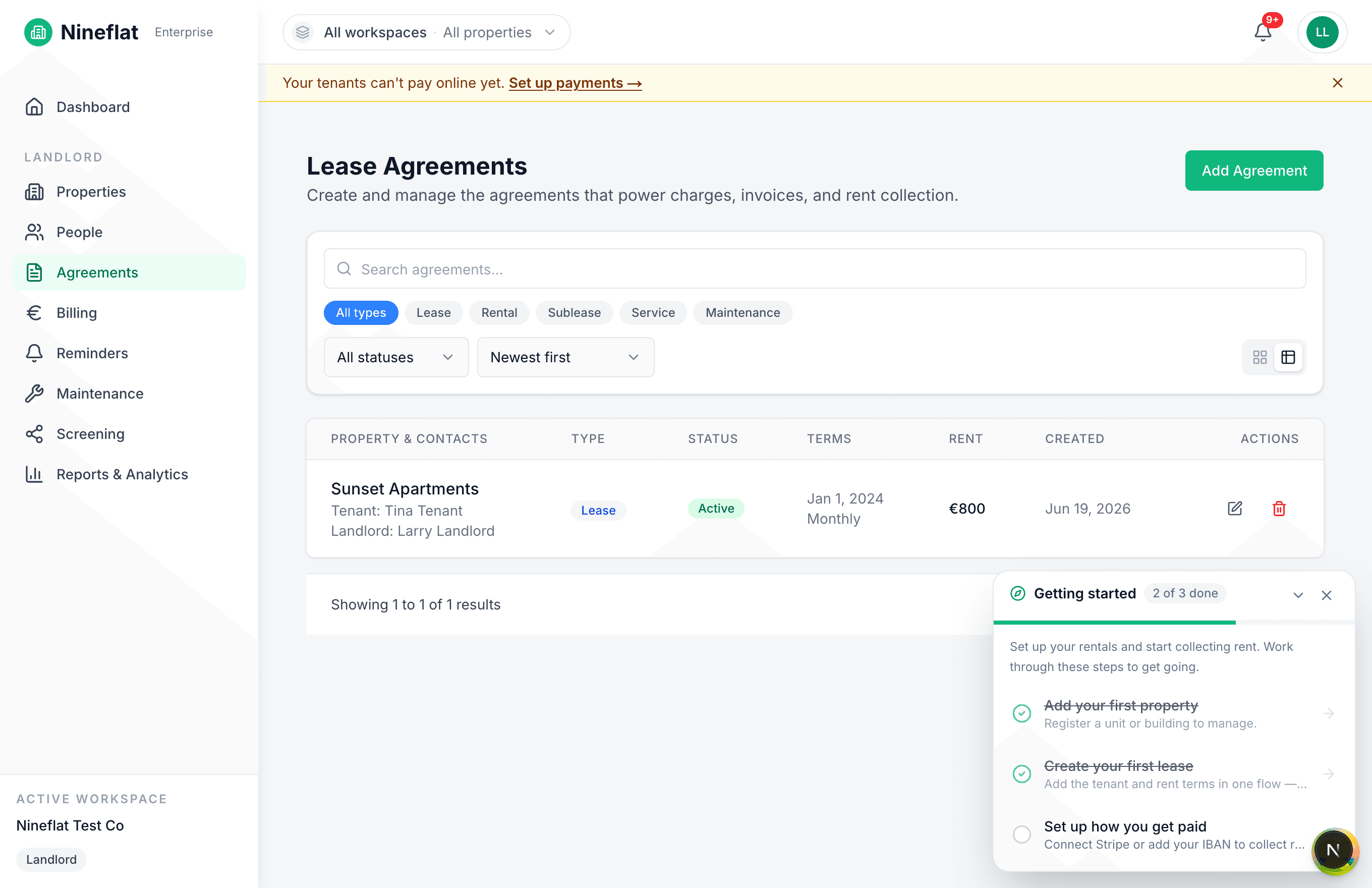
That single record now:
- Generates rent automatically every period, so you never issue an invoice by hand.
- Drives reminders to the tenant before each due date.
- Feeds your tax exports with the right amounts per property.
Status you can trust at a glance Every agreement shows a clear status — draft, pending, or active — plus an expiry warning as the end date approaches, so a lease never lapses without you noticing. Renewals are a click, not a re-type.
Why a live agreement beats a PDF
- One source of truth. Change the rent once and billing follows. No mismatch between the contract and what you actually charge.
- Nothing falls through the cracks. Expiries, deposits, and rent reviews are attached to the agreement instead of living in your memory.
- Audit-ready. Every change is logged, so if there's ever a dispute you have a record.
How to get started
- Add your property under Properties.
- Open Agreements → New agreement and select that property.
- Add the tenant and the rent terms.
- Save — billing and reminders switch on automatically.
Ten minutes of setup replaces a folder of Word files and a lot of manual chasing. Start free or see how the pieces fit.